Buying a package
- Go to the booking page.
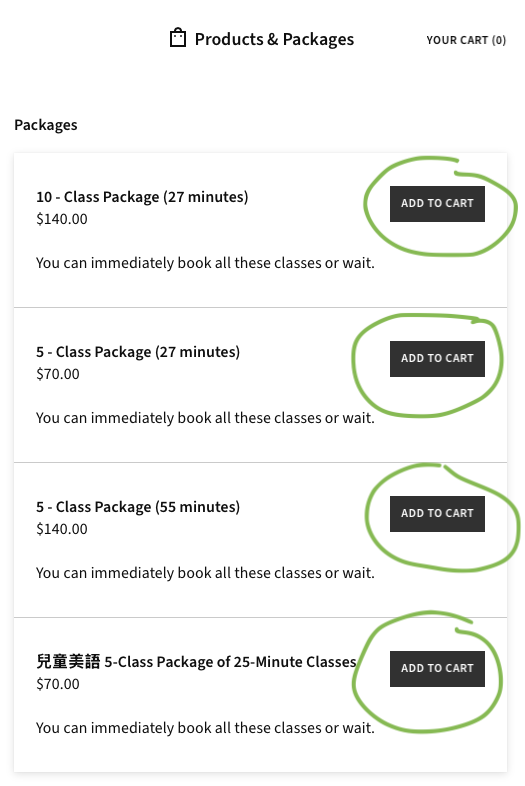
- Choose a package.
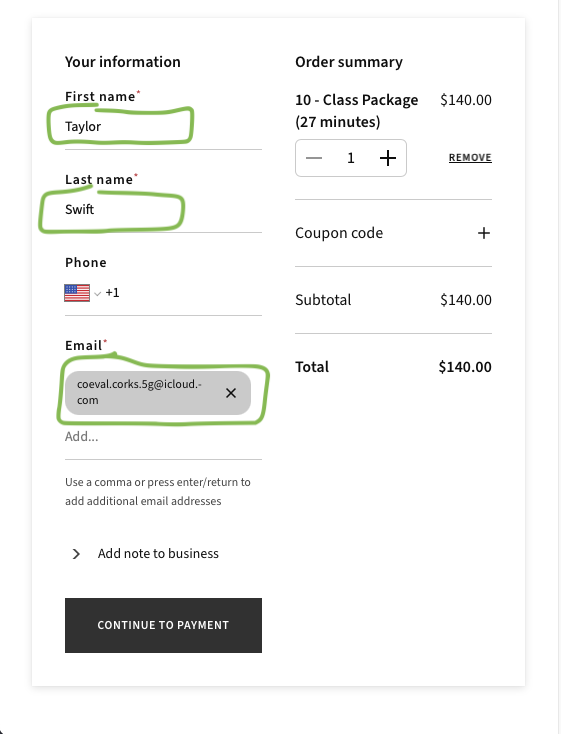
- Type a name and email address.
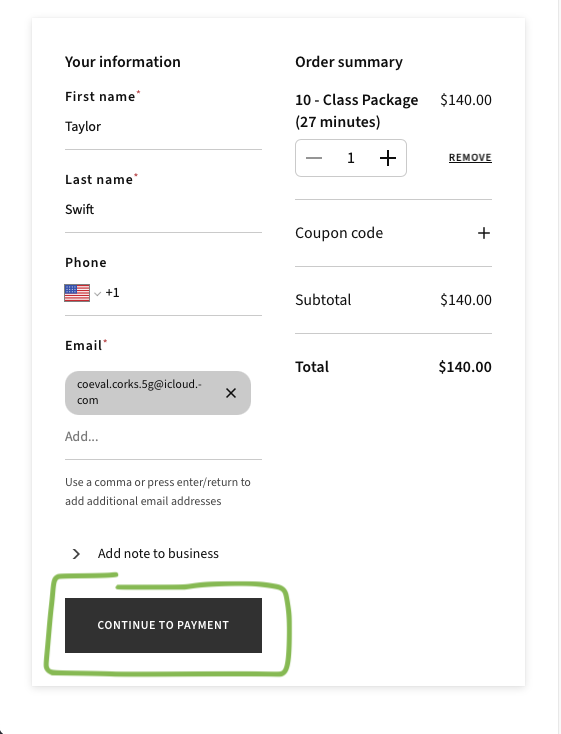
- Click “Continue to Payment” and pay.
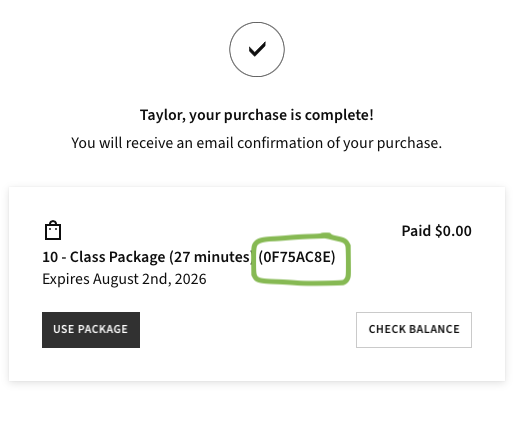
- Look at the receipt.
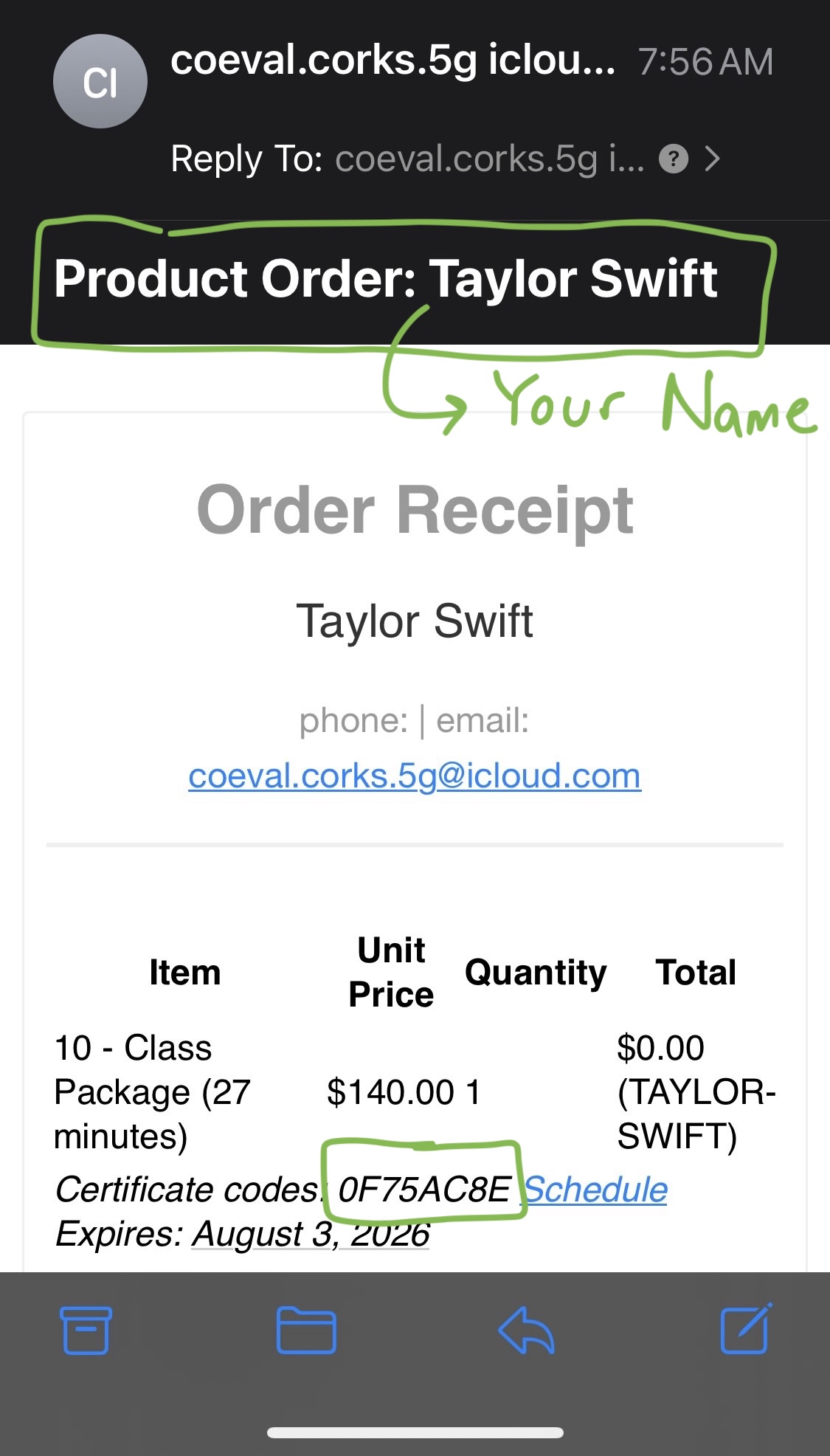
- You can also look in your email.
Using a package
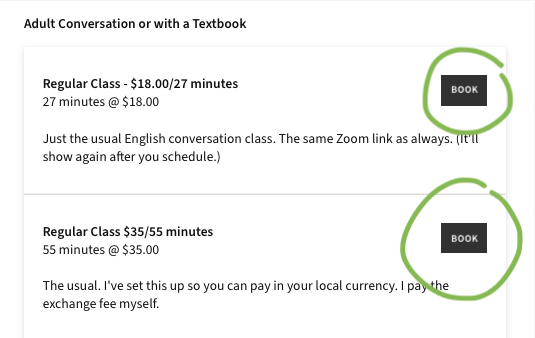
- Go to the booking page.
- Schedule the classes you want.
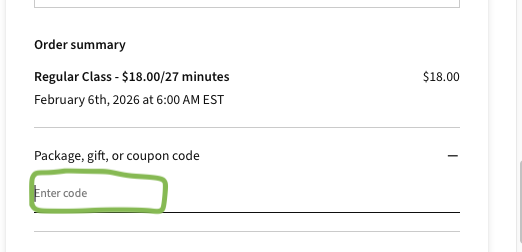
- Paste or type your package code.
Booking more than one class at a time
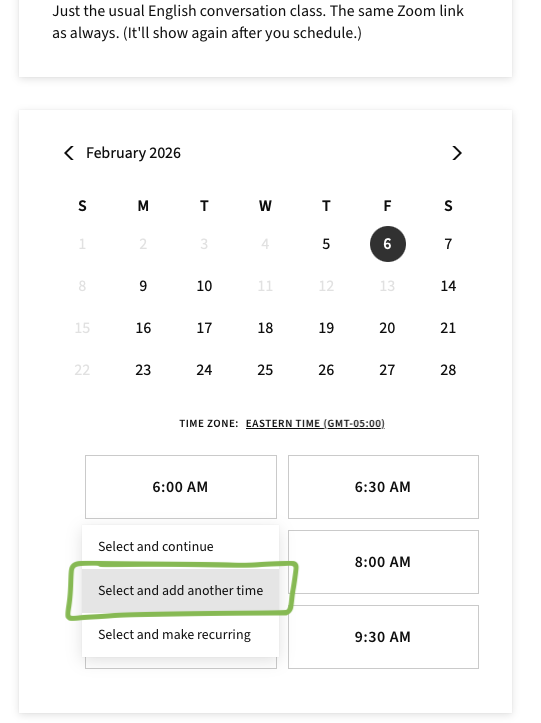
- Find a time you like on the booking page.
- Click “Select and add another time”
- Find another time you like and click “Select and add another time”
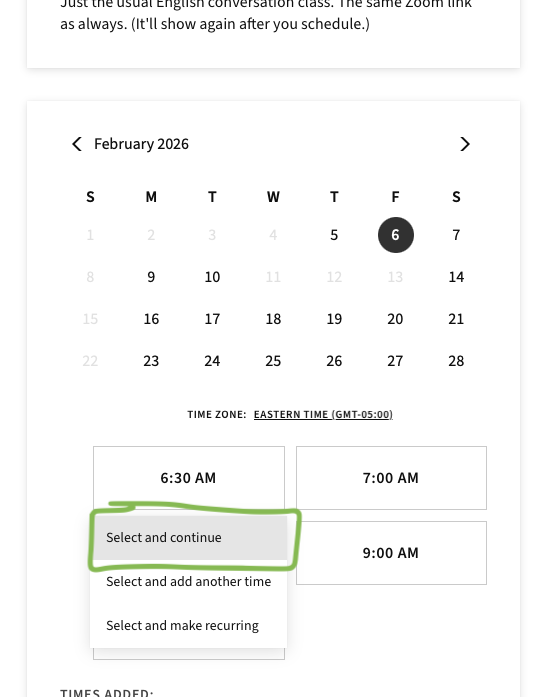
- When you find the last time you want, click “Select and continue”
- Either pay or use your package code to pay.
Checking how many classes you have left
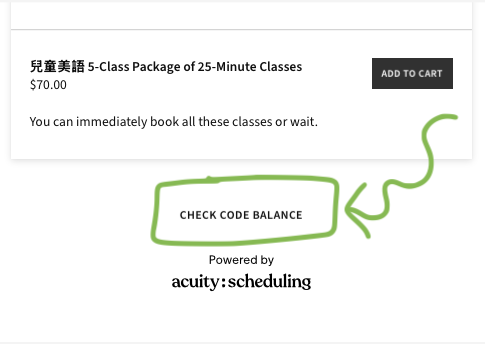
- Go to the booking page.
- Scroll to the bottom.
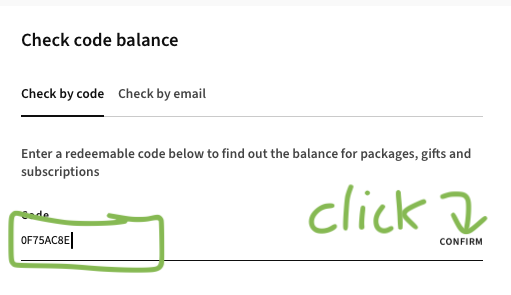
- Type or paste your code. Click confirm.
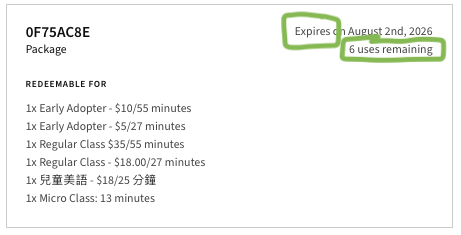
- Look at the response. Here’s an example.